Distributors and wholesalers
From the customer’s order to the day’s final check.
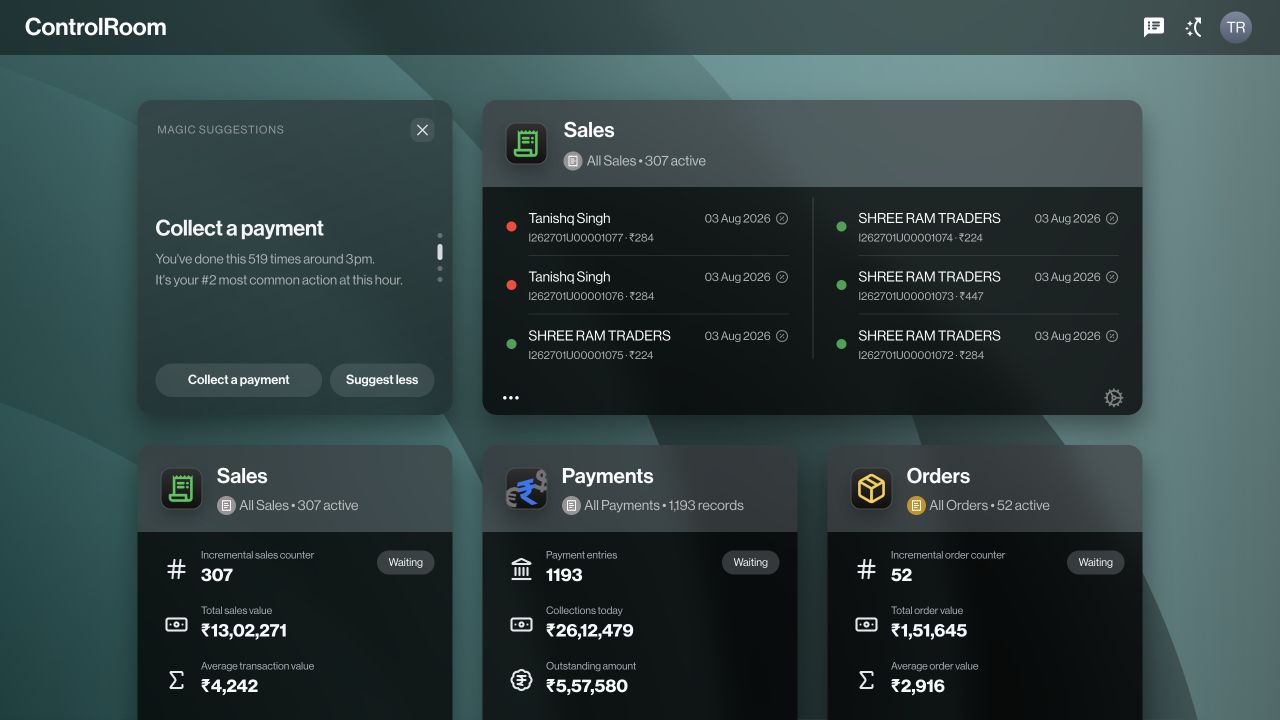
Distribution work crosses several desks and locations. A representative takes the order, the office checks it, stock is prepared, and accounts follows the collection. Zaqnet gives those teams connected records through ControlRoom in the office and GroundLink in the field.

Who this is for.
For distributors and wholesalers whose representatives take customer orders or collect payments away from the office. This guide covers the operational handover between sales, inventory and accounts; assess your accounting and specialist distribution requirements separately.
Give each order a clear next step.
A customer asking for ten units should not leave the office guessing which product or selling unit was intended. Maintain customer and item records, capture the order in GroundLink, then review the items, quantities and status in ControlRoom. Agree who checks availability and who handles fulfilment. The order is a request; a sale, delivery and payment are separate steps to verify.
Explore field order booking →Make stock handovers accountable.
When stock leaves one location for another, follow the movement through preparation, approval, execution and receipt as applicable. A draft transfer does not mean goods have moved. Set up the locations and units your business actually uses, and agree who confirms receipt. For assigned field stock, configure the destination for remaining goods before relying on a return workflow.
Explore stock and supply →Connect a collection to its customer.
Representatives record the customer, amount, payment method and reference. Accounts reviews the matching record and checks the actual receipt. This gives both teams a common starting point when an amount needs explanation. Recording a collection does not move money or independently confirm bank settlement.
Explore customer collections →Review exceptions before closing the day.
Use Closure and the underlying records to investigate incomplete orders, uncertain collections or stock handovers. Once the required checks are complete, AutoSync offers one-click forward sync from Closure for supported records to your configured BUSY or TallyPrime workflow. Confirm connector coverage and setup for the records your accountant needs.
See how AutoSync works →Bring your working day to the demo.
- Bring a sample customer order with real selling units and your fulfilment steps.
- List your stock locations and who prepares, approves and receives transfers.
- Show the payment references and day-end checks your accounts team needs.
- Confirm supported accounting records, permissions, plan and connector setup in the demo.
Capabilities depend on your plan, permissions and organisation setup. Work through one complete example before deciding whether Zaqnet fits.
Questions before you choose.
Is Zaqnet a replacement for every distributor management system?
Compare your required workflows, not just the category name. Zaqnet connects field orders, collections, inventory and office review. If you require specific schemes, batch or expiry handling, tax filing, multi-level channel reporting or delivery optimisation, ask for a demonstration of that exact requirement before assuming coverage.
Which app does each team use?
Representatives use GroundLink for supported field work. Office staff use ControlRoom to review records and coordinate the next step. Its three-pane layout keeps categories, records and the selected detail together, so staff can move between records without losing their place.