FMCG field operations
Keep the retailer’s request connected to the office.
For FMCG teams, the work continues after the customer visit. An order needs review, the right stock must be available, and a collection needs checking. Zaqnet helps representatives and office teams follow those details through GroundLink and ControlRoom.
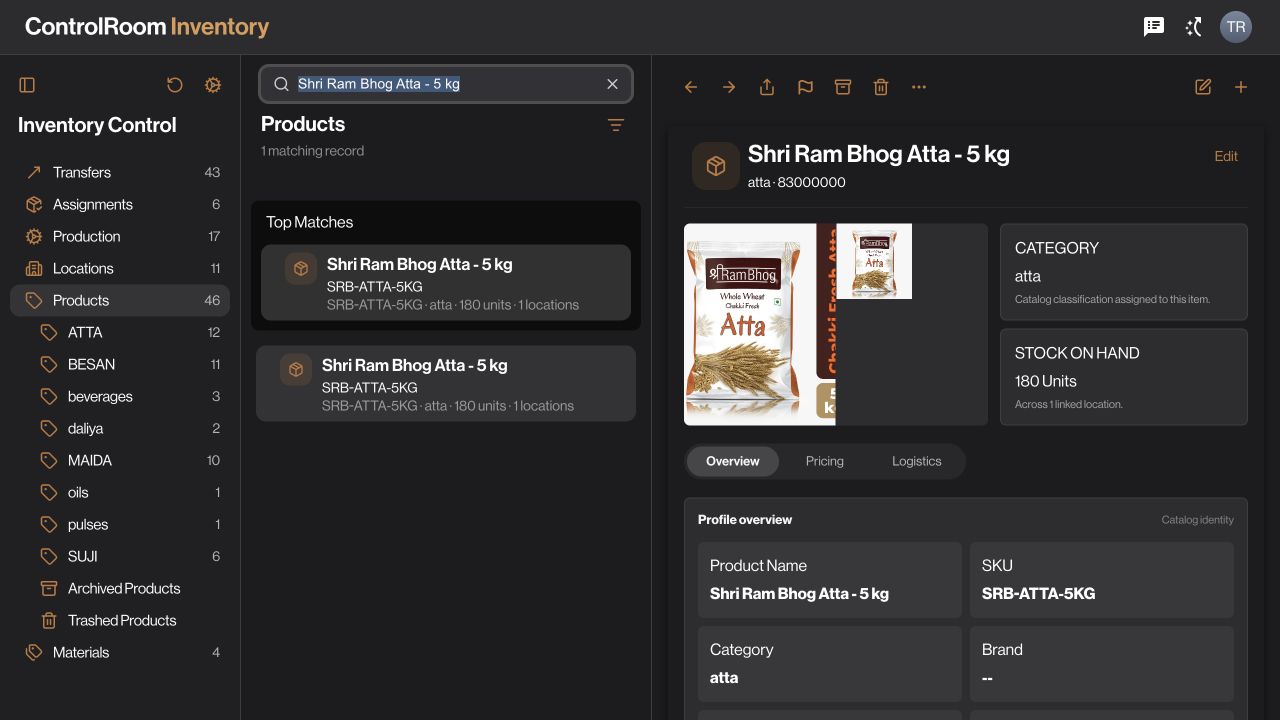

Who this is for.
For FMCG distributors and field teams coordinating retailer orders, collections and stock activity. Use this guide to evaluate those workflows against your own process. It does not imply that every manufacturer, trade-promotion or specialist FMCG requirement is included.
Prepare the catalogue before the visit.
Agree which customer, product and selling unit a representative should use. A case and an individual item are not interchangeable, so current records matter before an order is taken. Decide which locations and records the representative can access. This preparation gives the office a clearer request to work with when the order arrives.
Understand inventory records and units →Capture the request while the context is clear.
Use GroundLink to record the retailer’s order against the customer. Review quantities and items before submitting. The office then follows the order in ControlRoom, checks availability and coordinates fulfilment. If an entry is uncertain after a connection problem, look for the saved record before trying again to avoid a duplicate request.
Follow the mobile order tutorial →Keep today’s collection separate from today’s order.
A retailer may place a new order while paying an earlier amount. Record the collection with the correct customer, method and reference, then let accounts check the matching evidence. Do not treat the new order value as proof of payment or the payment record as confirmation that goods were delivered.
Follow the collection workflow →Account for goods that come back.
If your team works with assigned stock, agree where unused goods should return and who confirms the handover. Configure supported closure steps deliberately. Review the resulting movement and location balance rather than assuming an off-duty event means the stock has already arrived. This is especially useful when the office and field team finish work at different times.
Understand remaining-stock returns →Bring your working day to the demo.
- Bring an example retailer visit, order and collection to trace from start to finish.
- Check selling units and the people responsible for fulfilment and returns.
- List any batch, expiry, schemes, route optimisation or channel-reporting requirements for explicit fit assessment.
- Agree how accounts will reconcile the day and which supported records should sync forward.
Capabilities depend on your plan, permissions and organisation setup. Work through one complete example before deciding whether Zaqnet fits.
Questions before you choose.
Does this provide complete secondary-sales reporting?
A distributor-to-retailer sale can be part of a secondary-sales process. Confirm how your organisation records those transactions and what reporting you need. Do not assume manufacturer-wide channel visibility or automatic data collection from independent distributors just because field orders are recorded.
Can we use this for van sales?
If your team carries assigned stock, assess the stock, order, sale, collection and return steps together. Bring your actual workflow to the demo, including any printing, offline, tax or route requirements. This page does not promise a complete specialist van-sales package.