
Commerce
See the records behind the business and follow each transaction through its lifecycle.
- Sales, invoices, and linked payments
- Orders and fulfilment context
- Customer records and operational history
- Purchases and receiving
ControlRoom
Your command surface for the moving parts of business.
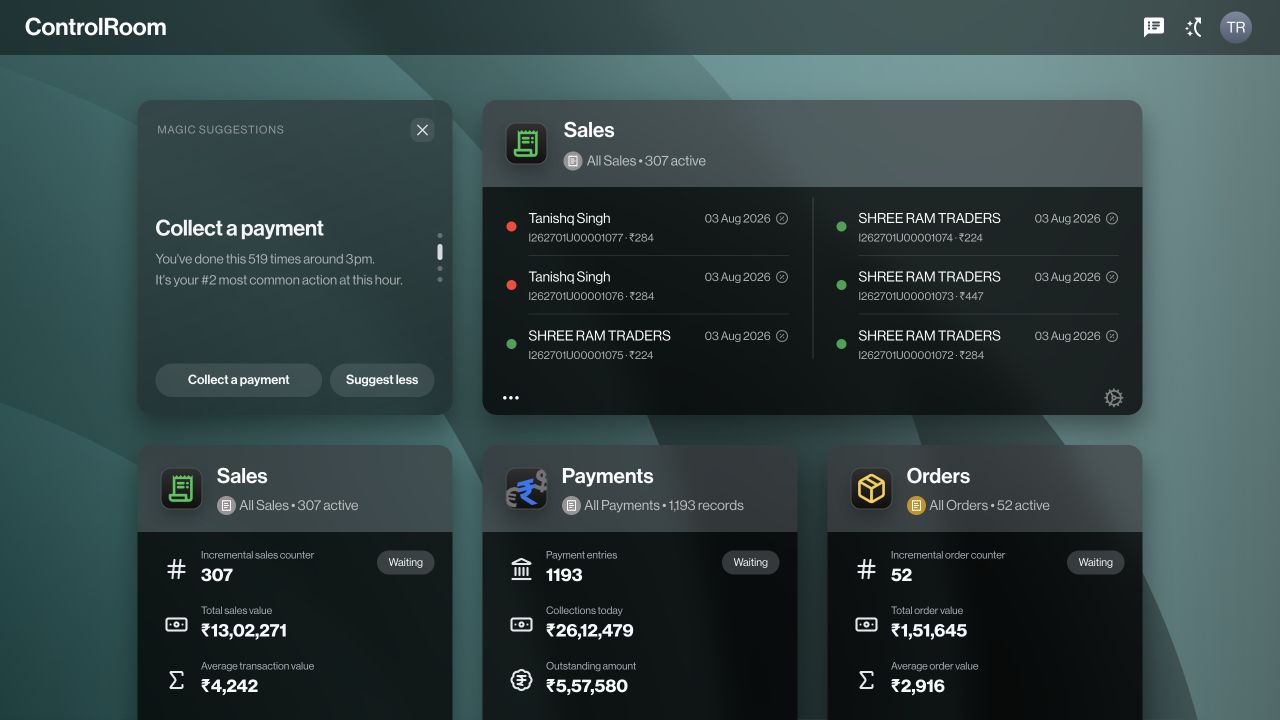
See the records behind the business and follow each transaction through its lifecycle.
Keep stock, locations, and the people moving them connected.
Build and review sequences around your operational events.
A connected command surface with company-scoped access.
Use a current supported desktop browser with internet access. Confirm browser compatibility, peripheral support, and network requirements with the deployment team.
Capabilities depend on your plan, permissions, workspace configuration, and rollout. Explore the plans or book a demo to confirm the features needed for your operation.
Capabilities depend on the active plan, permissions, device, and rollout. Ask our team to confirm compatibility and availability for your deployment. Screens show the actual product or existing product artwork; interface details may vary by version.
Explore what ControlRoom can bring to your operation.
Compare plans