GroundLink · 1 MIN READ
Find your way around GroundLink
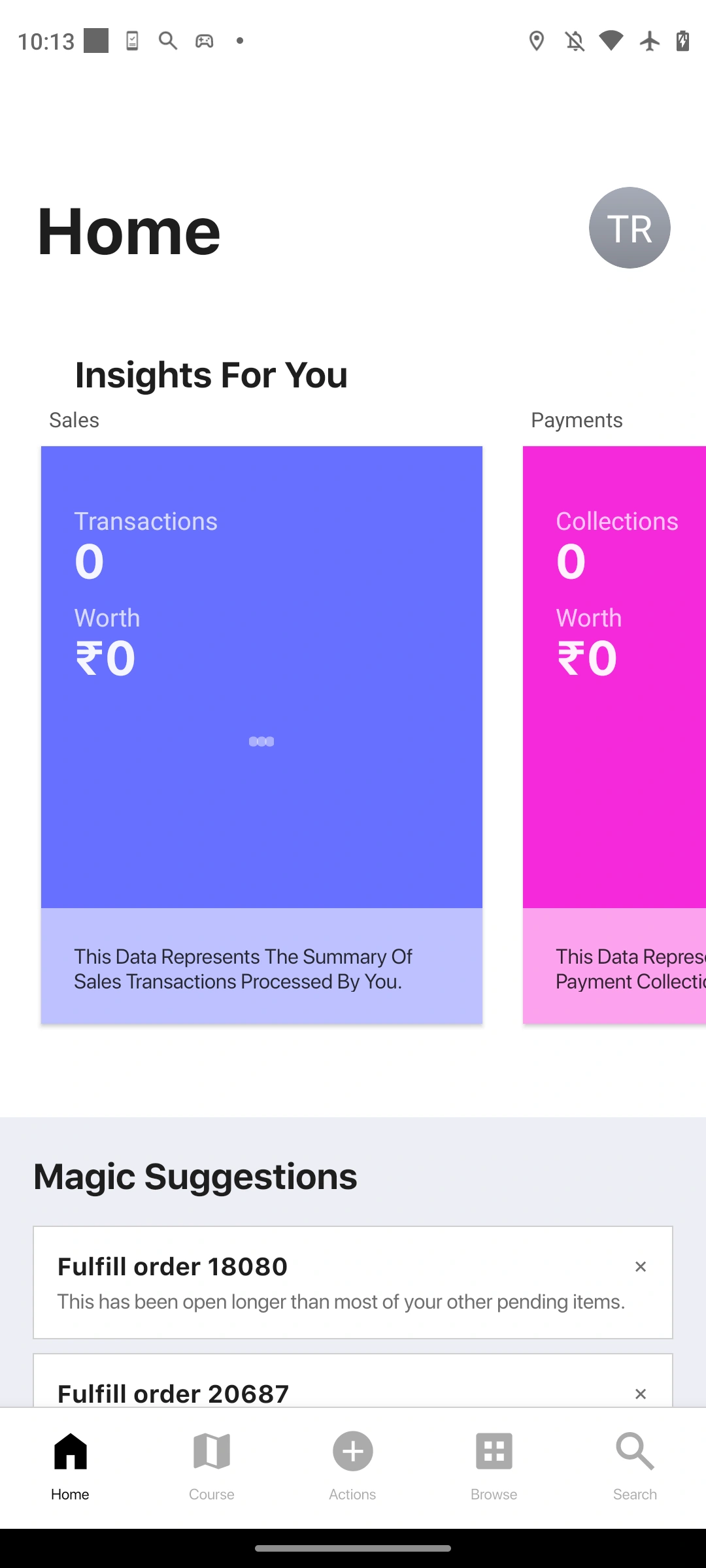
Use Home, Course, Actions, Browse and Search for different parts of the working day.
Guide reviewed 14 September 2026 · Controls depend on your app version and access.
Before you begin
Sign in to the intended organisation on a supported app version.
01Start at Home
Read your available activity summaries and suggestions. Open the underlying record when you need to inspect or change something.
02Use Course for the day’s activity
Course presents available visit and work activity. Check dates and context rather than assuming it is a complete independent record of every movement.
03Use Actions to start work
Open Actions for operations such as Kick Off, File Closure and available transaction creation flows.
04Use Browse or Search to find records
Browse takes you to the available apps; Search helps find supported results. The set of destinations depends on your access.
Check the result
You can find the relevant task without treating a summary tile as a completed transaction.
If something does not look right
If an app is missing, check access and workspace before reinstalling. Reinstalling can remove local state and is not the first troubleshooting step.
Look up an error