GroundLink · 1 MIN READ
Record a customer collection
Give the office a clear, traceable payment record from the field.
Guide reviewed 14 September 2026 · Controls depend on your app version and access.
Before you begin
Have the actual collection amount, method and reference. Confirm whether the payment is received or still awaiting confirmation.
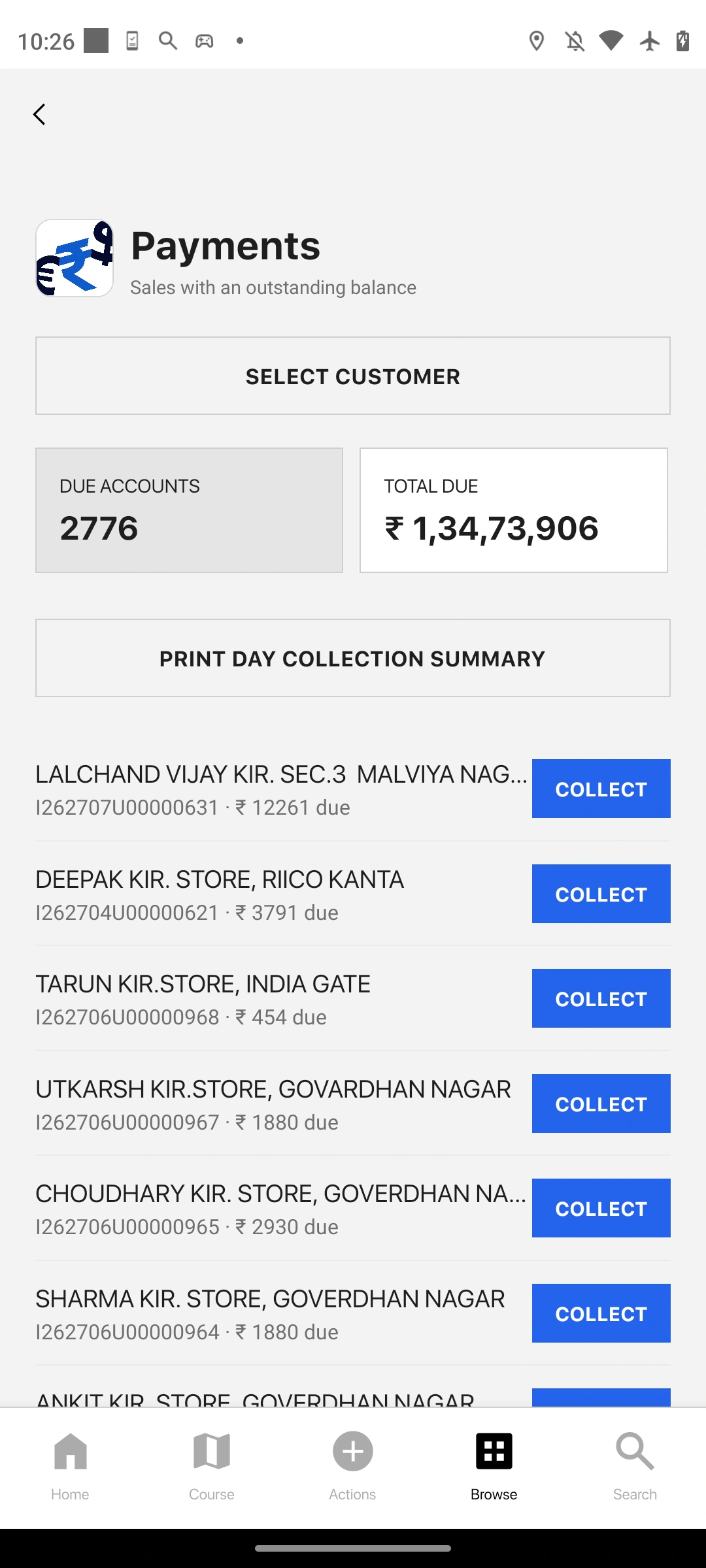
01Select the correct customer
Start the payment collection flow through the available action and choose the intended customer.
02Enter the collection details
Use the actual amount and method. Add the supported reference or context accurately, and check any linked transaction selection.
03Review before saving
Compare the entered details with the payment evidence. Recording a payment is not proof of bank settlement by itself.
04Confirm in Payments
After saving, open Payments and find the record. Use its identifier and actual status when reporting the collection to the office.
Check the result
The payment appears once under the correct customer with the intended amount and method.
If something does not look right
If the result is uncertain, check the record list and office view before repeating the save. A Home total may not update immediately.
Look up an error