REAL WORK. CONNECTED.

A place for the work.
A way forward for everyone.

See how Zaqnet connects the people taking orders, collecting payments, managing stock, and reviewing the day.

01 · Field sales

From a customer visit to an order the office can act on.

A representative takes an order. The office needs the exact items and quantities, without piecing together calls and messages.
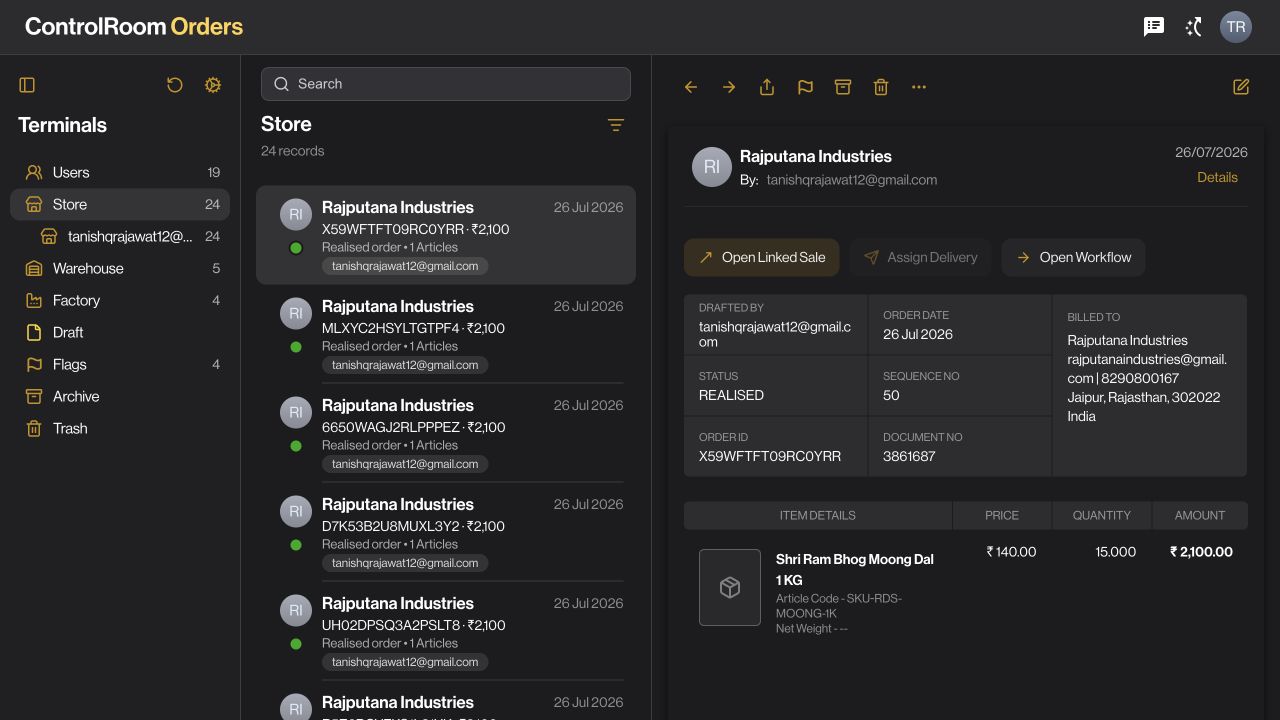

Actual ControlRoom orders screen
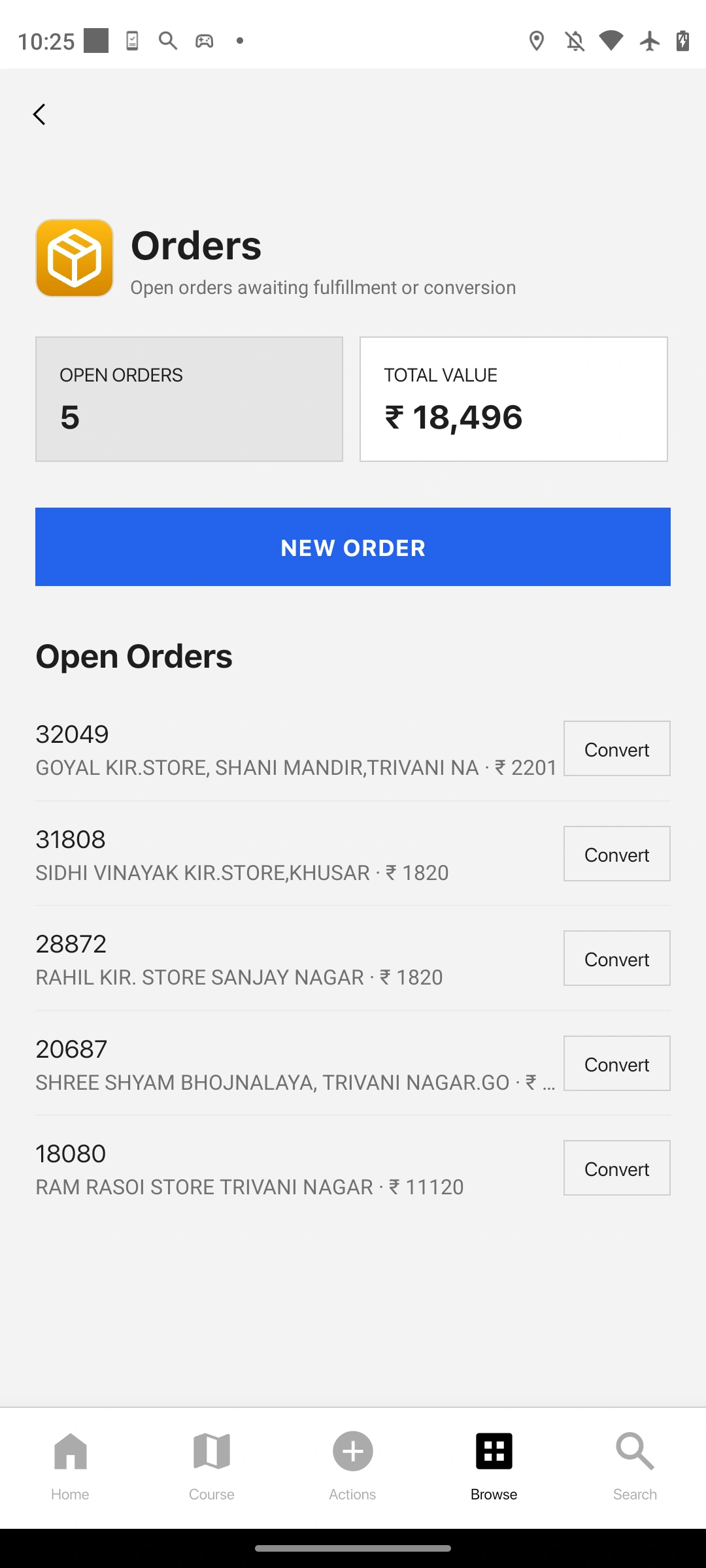
Actual GroundLink orders screen in an iPhone 15 Pro presentation
  1. In the field · GroundLink

    Record the request.

    Find the customer, choose the products and quantities, and review the order before submitting it.

  2. At the desk · ControlRoom

    Review the details.

    Open Orders, find the record, and review the customer, items, amount and status together.

  3. With the team

    Coordinate what follows.

    Check available stock and organise the fulfilment steps your business uses. Return to the same record when the customer asks for an update.

Explore the field sales workflow →

A recorded order gives both teams a clear reference for the next conversation.
02 · Collections

Keep the payment connected to the customer.

Money is collected away from the office. Accounts needs to know who paid, how much, and what still needs attention.

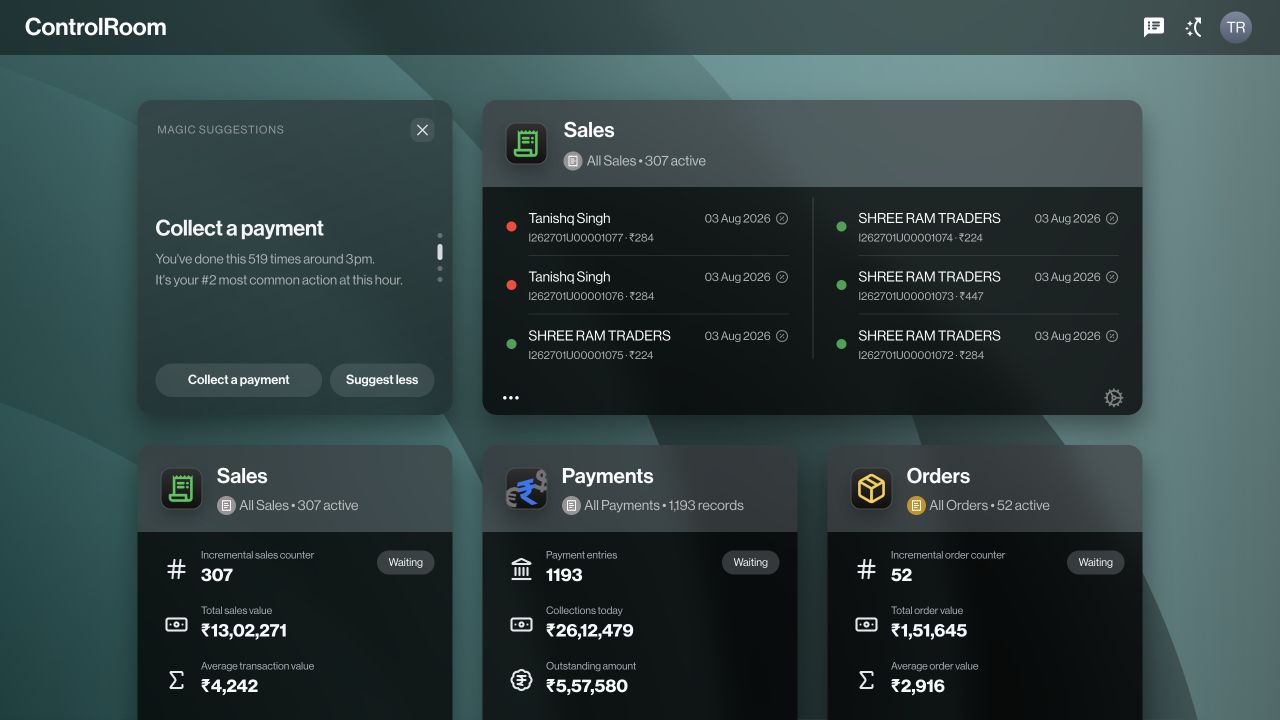
Actual ControlRoom overview screen
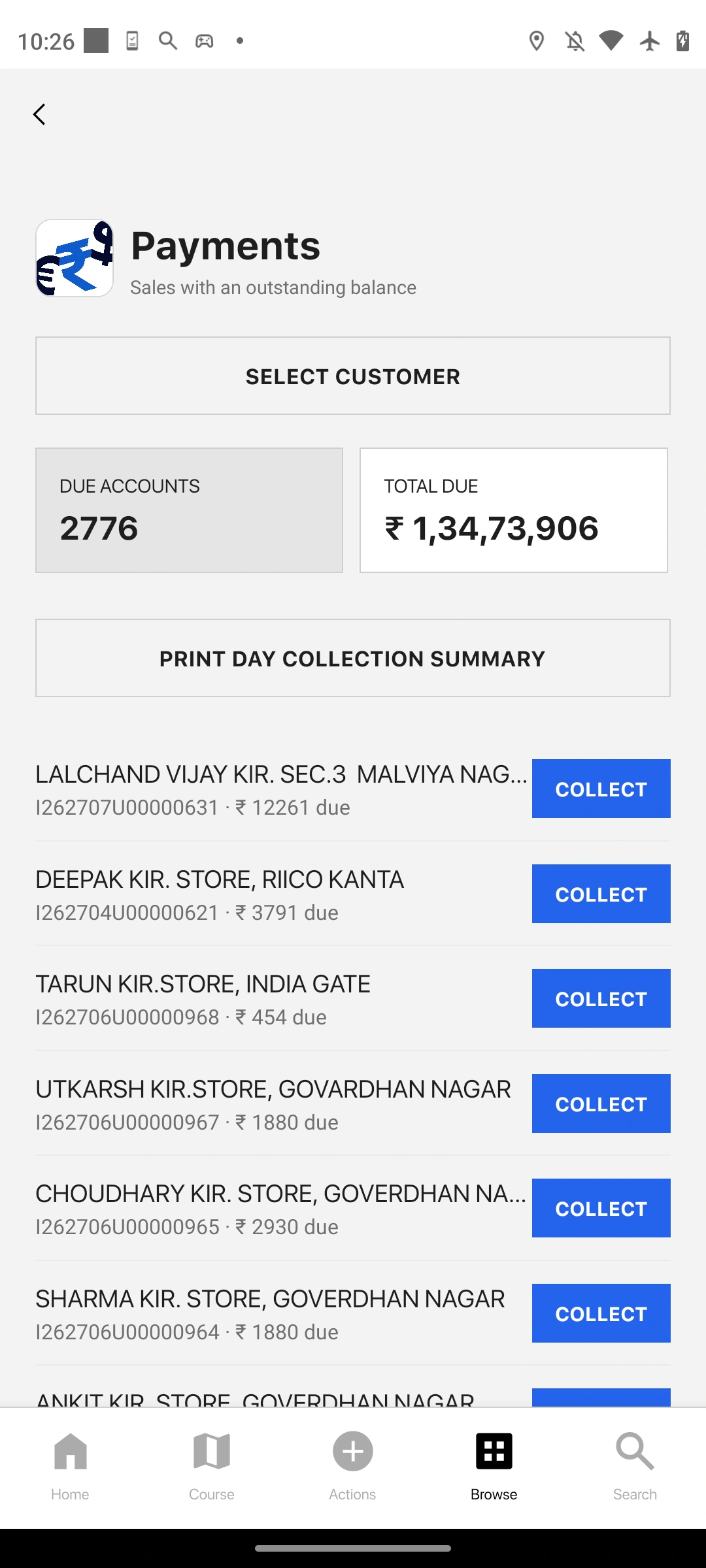
Actual GroundLink payments screen in an iPhone 15 Pro presentation
  1. Before collecting · GroundLink

    Find the right account.

    Look up the customer and review the balance information available to your role.

  2. At the customer · GroundLink

    Record the collection.

    Enter the amount and payment details in the collection workflow. Check the information before saving.

  3. In accounts · ControlRoom

    Review and follow up.

    Review recorded payments and outstanding amounts. Use those records to resolve questions and decide who needs a follow-up.

Explore the collections workflow →

Your accounts team has a payment record to review instead of a message to interpret.

03 · Stock & supply

Know what you have before deciding what to buy.

An order is waiting, stock is spread across locations, and someone needs to decide what to replenish.

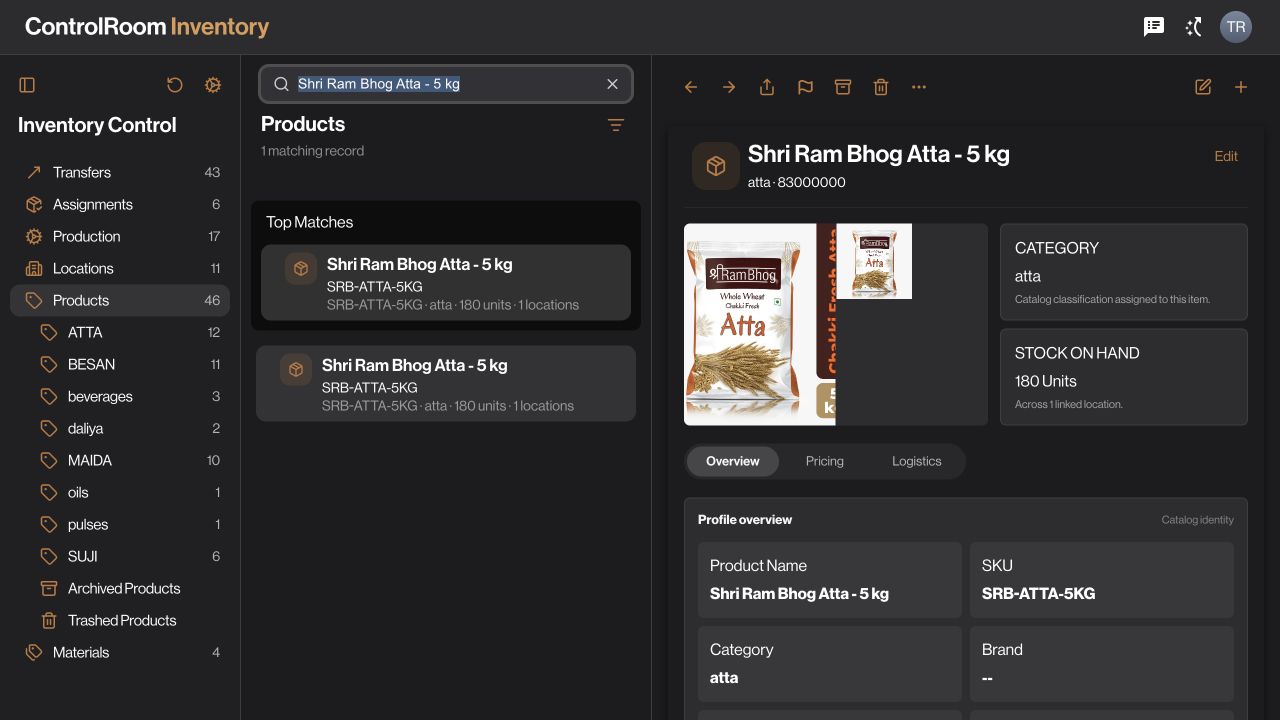
Actual ControlRoom inventory screen
Actual GroundLink browse screen in an iPhone 15 Pro presentation
  1. Warehouse · ControlRoom

    Check the stock.

    Open Inventory and review the item and location involved before promising a quantity.

  2. Purchasing · ControlRoom

    Plan the supply.

    Use Purchases to organise supplier requirements and review the purchasing records relevant to the shortage.

  3. Operations · ControlRoom

    Keep movements traceable.

    Record stock changes through the available transfer and receipt workflows, then review the updated records.

Explore the stock & supply workflow →

Stock and purchasing decisions start from recorded information, with clear locations and quantities.

04 · Day-end review

Close the day with the details accounted for.

Visits are over, but collections, remaining stock and handovers still need to be reviewed.

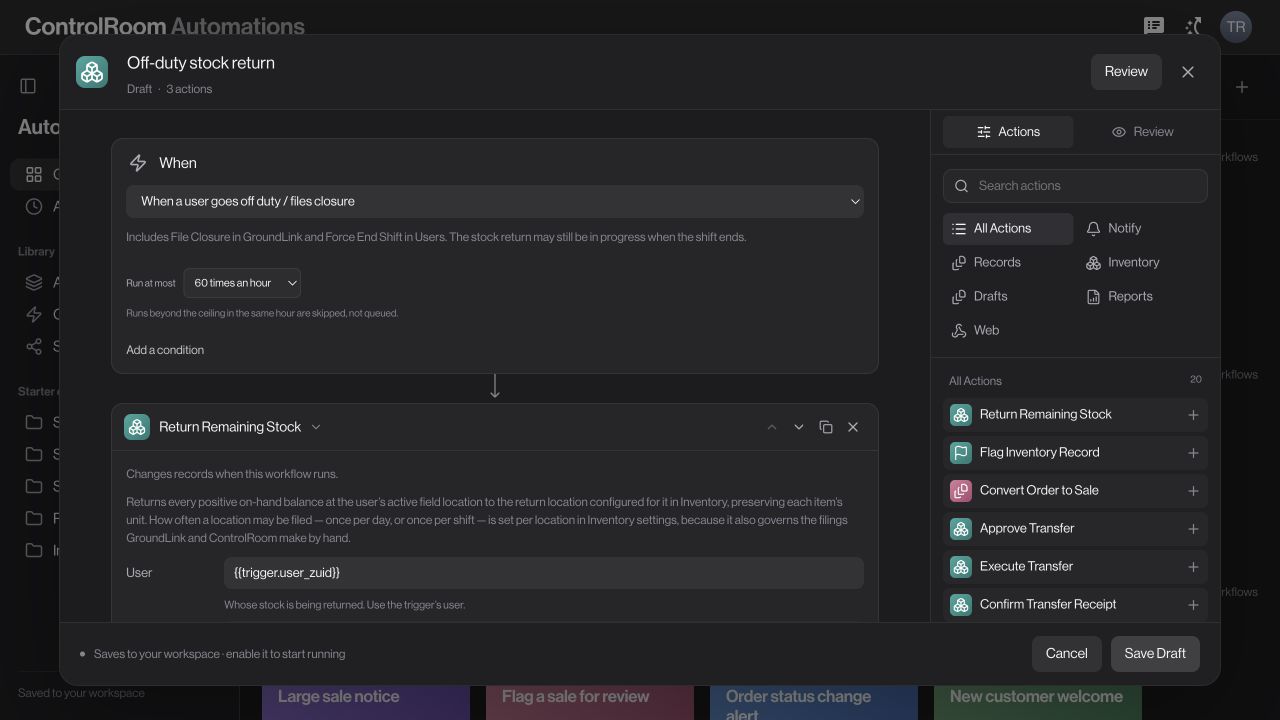
Actual ControlRoom automations screen
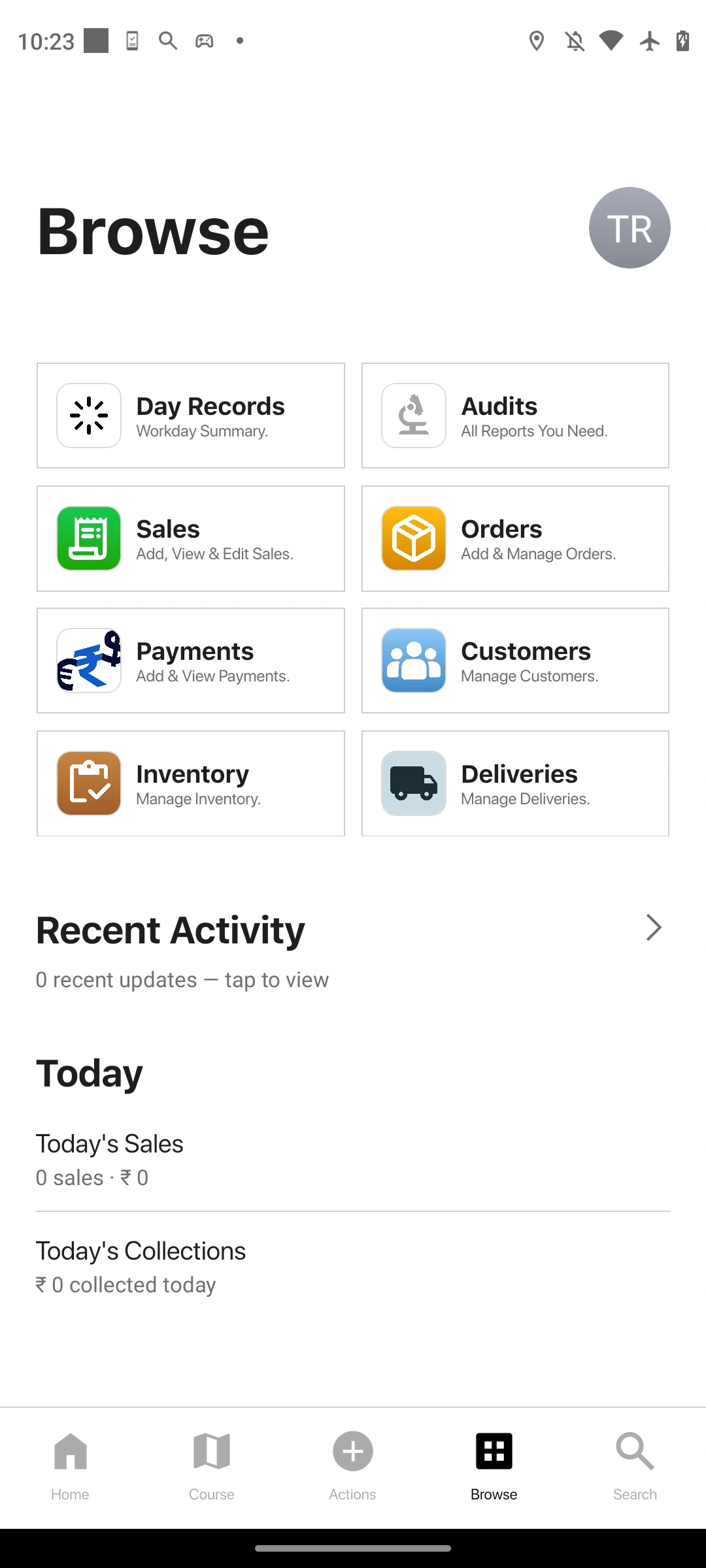
Actual GroundLink browse screen in an iPhone 15 Pro presentation
  1. Field team · GroundLink

    Complete the closing steps.

    Follow the day-end workflow your company has configured and review the work recorded during the day.

  2. Operations · ControlRoom

    Review the handover.

    Check collections, pending records and any remaining stock. Confirm the appropriate return location for your operation.

  3. Process owner · Automations

    Define the repeatable parts.

    Where supported, configure the trigger, conditions, stock-return actions and report recipients. Review and enable the flow only after its rules are correct.

Explore the day-end review workflow →

A defined closing process makes it clear what should be checked, returned and reported.

WHO USES WHAT?

One business.
The right view for each team.

The jobControlRoomGroundLink
OrdersReview records and coordinate the next step.Record the customer’s request where it happens.
PaymentsReview collections and outstanding amounts.Capture payment details at the customer.
StockReview items, locations and supply needs.Use the assigned stock and closing workflows.
The working dayCoordinate people and review the operation.Carry out visits and record field activity.

These are example working processes. Available tools, permissions and automation actions depend on your products, plan and company configuration.

Let’s start with
your working day.

Bring an example order, collection, or stock handover. We’ll walk through how your team could handle it in Zaqnet.